How to Make a Game on Roblox: Beginner’s Studio Guide
To make a game on Roblox you download Roblox Studio, open a template, build your world with parts, add behavior using Lua scripts, then test and publish it so others can play. Here is how to make a game on Roblox, step by step, from installing the tools to sharing a finished game.
Roblox Studio is free and runs on any decent computer. You do not need to be a programmer to start, and the built-in templates let you have a playable game in minutes before you add your own ideas.

Install Roblox Studio
Everything you build happens inside Roblox Studio, the free development tool. Get it set up first.
- Go to the Roblox Create page and download Roblox Studio.
- Run the installer and open Studio.
- Sign in with your Roblox account, or make one if you do not have it.
- Studio opens to a menu of templates to start from.
Studio works on Windows and Mac. Once it is installed, you have the same tools used to make the games millions of people play.
Tip: Save your work often with Ctrl+S. Studio can crash like any program, and saving locally protects hours of building from being lost.
Start From a Template

You do not have to build from an empty world. Templates give you a working base to shape.
- Baseplate — a flat empty surface, best for learning and total freedom.
- Obby — a starter obstacle course you can expand.
- Racing or Combat templates — pre-built systems you can customize.
Pick Baseplate for your first project. A blank floor lets you experiment without untangling someone else’s setup, which is the fastest way to learn the tools.
Build Your World With Parts
Everything you see in a Roblox game is made of parts, the basic building blocks. You shape a world by placing and adjusting them.
- Click Part in the toolbar to add a block.
- Use the Move, Scale, and Rotate tools to position and resize it.
- Change the color and material in the Properties panel.
- Combine parts to form platforms, walls, and obstacles.
- Anchor parts so they stay in place instead of falling.
| Tool | What It Does |
|---|---|
| Move | Slides a part along an axis |
| Scale | Stretches or shrinks a part |
| Rotate | Turns a part to any angle |
| Anchor | Locks a part so it will not fall |
Take your time here. A clear, well-built layout makes the next step, scripting, much easier to manage.
Add Simple Scripts
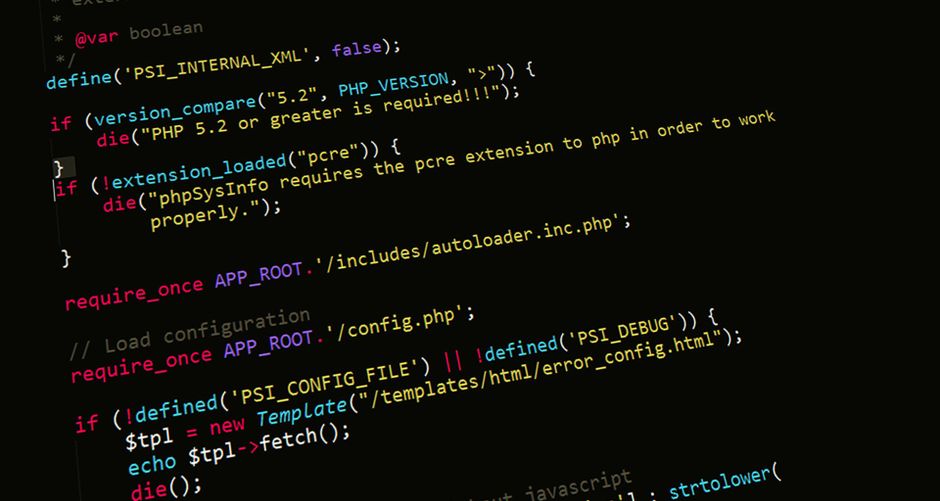
Scripts give your game behavior, and Roblox uses the Lua language. You do not need much code to make something fun happen.
- Right-click a part in the Explorer and insert a Script.
- Write simple Lua, such as a script that rewards a player who touches a part.
- Use the Output window to spot errors as you test.
- Start with small scripts, like moving platforms or a win pad.
Note: You can copy free, well-documented scripts from Roblox’s official tutorials to learn how they work, then change the values to fit your own game.
Begin with one small script and confirm it works before adding another. Layering tested pieces beats writing a huge script that breaks all at once.
Test and Publish Your Game
Once your world takes shape, try it as a player, then share it with the world.
- Press Play in Studio to test your game as a character would experience it.
- Fix any bugs or awkward spots you find while playing.
- Open File, then Publish to Roblox.
- Give your game a name, description, and icon.
- Set it to Public so friends and other players can join.
Warning: Test thoroughly before going public. A broken spawn point or an impossible jump frustrates players fast, and first impressions shape whether they stay.
After publishing, you can keep editing. Update the game, republish, and your improvements go live for everyone playing.
Once your game is live, share the link with friends and ask for honest feedback. Real players find problems you missed and tell you which parts are fun. Use that feedback to guide your next update, and your game will improve steadily with each version you release.
Frequently Asked Questions
Is Roblox Studio free? Yes. Roblox Studio is completely free to download and use. You can build, test, and publish games without paying anything.
Do I need to know how to code? Not to start. Templates and parts let you build playable worlds without code. Learning basic Lua scripting unlocks more features once you are comfortable.
What language does Roblox use? Roblox uses Lua for scripting. It is beginner-friendly, and Roblox provides official tutorials that teach it through small, practical examples.
Can I make money from my game? Yes. Roblox lets creators earn through in-game purchases and passes. Payouts depend on how many people play and spend, so focus on making a fun game first.
How do I test my game before publishing? Press Play inside Studio to run it as a player. This lets you catch bugs, awkward jumps, and broken scripts before anyone else sees them.
Can I edit my game after publishing? Yes. Open the game in Studio, make your changes, and republish. Your updates go live for all players the next time they join.