How to Fix a TV That Wont Turn On
To fix a TV that wont turn on, unplug it for sixty seconds, check the power cable and outlet, then try the physical power button on the set instead of the remote. Most cases of how to fix a TV that wont turn on come down to power supply hiccups, a dead remote, or a failed backlight, and you can test all three at home. Here is how to fix a TV that wont turn on, step by step.
Before assuming the worst, rule out the cheap and simple causes first. A blank screen is often a loose plug or a confused power board rather than a broken panel.
Do a Power Cycle First
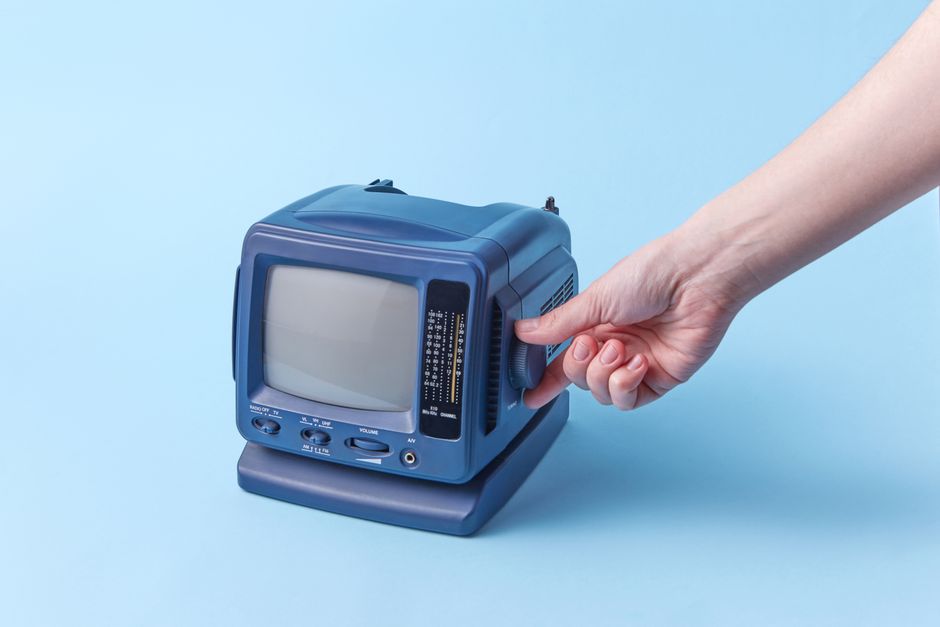
The first move in how to fix a TV that wont turn on is a power cycle, sometimes called a soft reset. It clears a frozen power board and fixes a surprising number of dead screens. It costs nothing and takes about a minute.
- Unplug the TV from the wall outlet, not just the power strip.
- Wait sixty seconds so any stored charge drains from the internal capacitors.
- Press and hold the power button on the TV itself for about fifteen seconds while it stays unplugged.
- Plug it back in directly to the wall and try turning it on with the set’s own button.
Tip: Always press the button on the TV, not the remote, during this test. It removes the remote from the equation so you know where the fault sits.
If the screen wakes up, the problem was a temporary glitch and you are done. If not, move on to the checks below.
Check the Power Supply
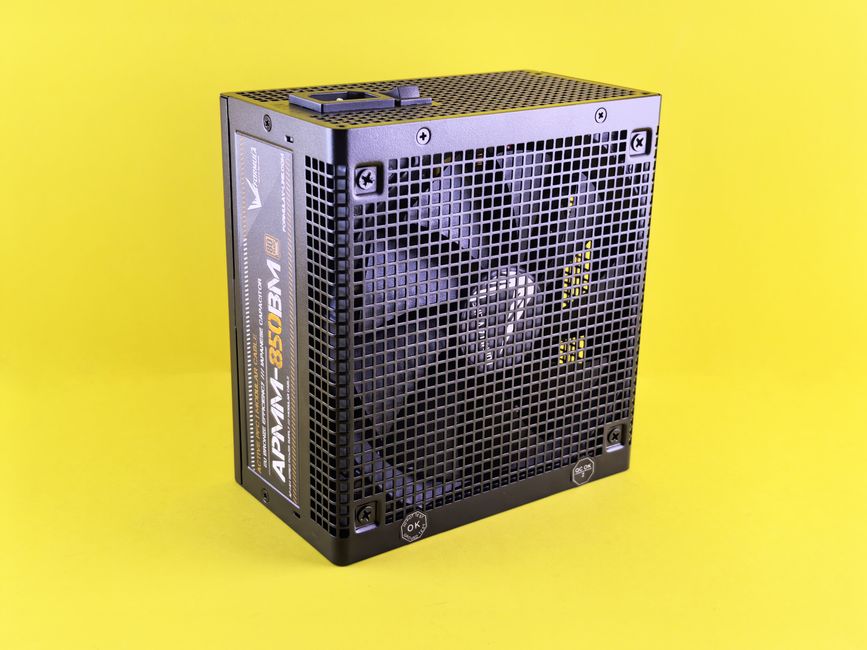
No power at all points to the cord, the outlet, or the internal supply. Work through these from easiest to hardest.
- Test the outlet by plugging in a lamp or phone charger to confirm it delivers power.
- Inspect the cable for kinks, chew marks, or a loose fit where it meets the TV.
- Reseat the cable firmly at both ends, since a partial connection can leave the set completely dark.
- Skip the power strip and plug straight into the wall to rule out a tripped surge protector.
Warning: If you smell burning or hear a faint clicking or buzzing from inside the TV, unplug it and stop. Those are signs of a failing power board that needs a technician.
Look for a standby light on the front of the set. A glowing standby light means power reaches the TV, which shifts suspicion to the remote or the display itself.
Rule Out the Remote
A TV that seems dead sometimes just is not receiving the on signal. The remote is a common and easy culprit.
- Replace the batteries with a fresh pair, even if the old ones seem fine.
- Press the power button on the TV directly. If it turns on, the remote is the problem.
- Test the remote’s signal by pointing it at a phone camera and pressing a button. A working remote shows a faint light on the camera screen.
- Clean the remote contacts if buttons stick, since grime can block the signal.
If the TV responds to its own button but not the remote, you have isolated the fault cheaply. A replacement remote or a universal one solves it.
Test for a Backlight Failure
If you hear sound or see the standby light change when you press power, but the screen stays black, the backlight may have failed. This is a display fault, not a power one.
Shine a flashlight at an angle close to the screen while the TV is on. If you can faintly see a menu or picture under the light, the panel and processor work but the backlight is out. Compare the two situations below to place your problem.
| Symptom | Likely cause | Next step |
|---|---|---|
| No lights, no sound | Power supply or cord | Power cycle and cable checks |
| Standby light on, no picture | Remote or software | Remote test and reset |
| Sound plays, screen black | Backlight failure | Flashlight test, then repair |
| Faint image under flashlight | Backlight failure | Professional panel repair |
A backlight repair is usually worth quoting from a technician on newer sets and rarely worth it on very old or budget models.
When to Call for Repair
Some faults are beyond a safe home fix. Part of knowing how to fix a TV that wont turn on is knowing when to stop, which protects you and your wallet.
- Buzzing, clicking, or burning smells mean an internal component is failing. Unplug and get a professional.
- A confirmed backlight failure needs the panel opened, which is best left to a technician.
- Repeated shutdowns after a brief picture often point to a power board on its way out.
Note: Weigh the repair quote against the price of a new set. If a fix costs more than half the replacement, a new TV is usually the smarter buy.
Frequently Asked Questions
Why does my TV have a red standby light but wont turn on? The set is getting power but not the on command. Try the TV’s own button and fresh remote batteries before suspecting a deeper fault.
Can unplugging really fix a TV that wont turn on? Often yes. Unplugging for a minute drains stored charge and resets a frozen power board, which resolves many blank-screen cases.
How do I know if it is the backlight or the whole screen? Shine a flashlight on the screen while the TV is on. A faint visible image means the backlight failed, not the display panel itself.
Is it worth repairing a TV that wont turn on? It depends on the age and the quote. If the repair costs more than half the price of a comparable new set, replacement is usually wiser.
Why does my TV turn on then shut off immediately? This often signals a failing power board or overheating. Ensure vents are clear, and if it continues, have a technician inspect it.