How to Fix AirPods Only Playing in One Ear
The quickest way to fix AirPods only playing in one ear is to put both AirPods back in the case for 15 seconds, then take them out and reconnect. Here is how to fix AirPods only playing in one ear, step by step, from that reseat trick to cleaning and a full reset. Most one-sided audio comes from earwax buildup, a lopsided balance setting, or a connection hiccup rather than a broken earbud.
Reseat Both AirPods in the Case
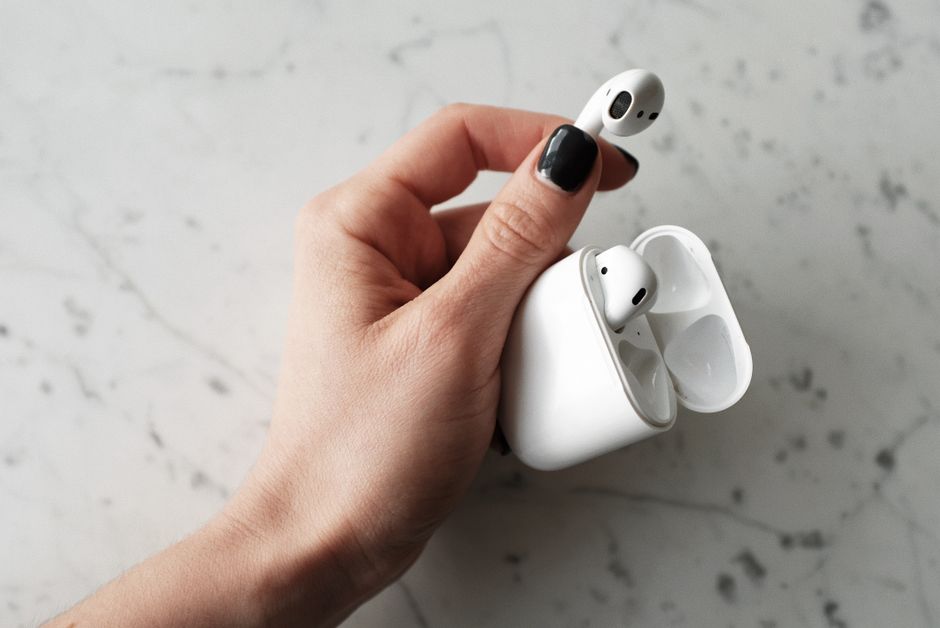
A quick return to the case forces both earbuds to reconnect together, which clears the most common cause of one-sided sound: a syncing glitch. This fixes many cases in under a minute.
- Place both AirPods in the case and leave the lid open.
- Wait about 15 seconds so they fully power down and re-sync.
- Take both out and put them in your ears at the same time.
- Play audio and check whether both sides now work.
If reseating restores sound to both ears, the problem was a temporary sync failure, not hardware. This is worth trying before anything more involved.
Clean the Silent AirPod
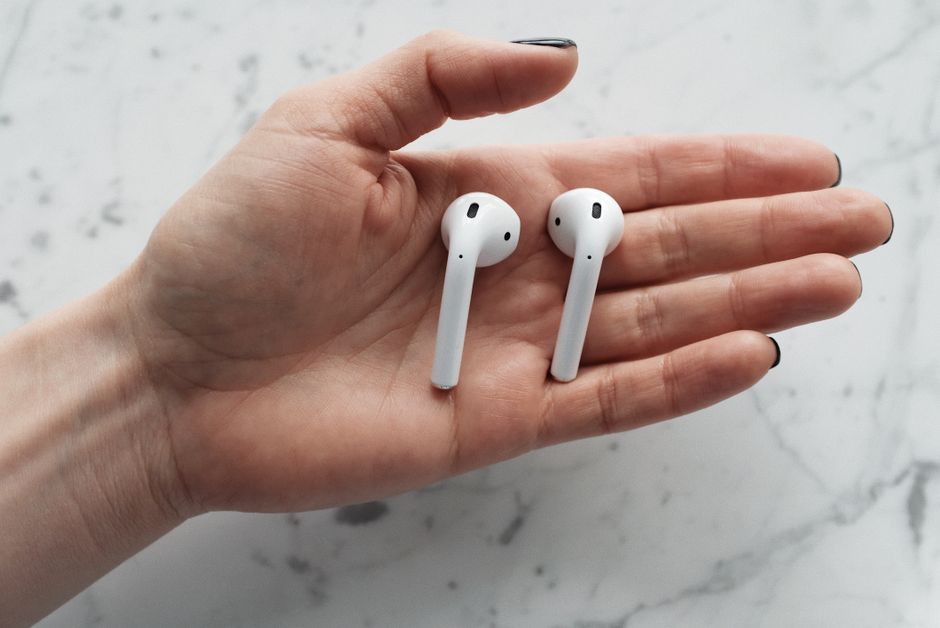
Earwax and debris blocking the speaker mesh is the top physical cause of a quiet or dead earbud. The sound is not gone — it is muffled behind buildup. Cleaning often brings it right back.
- Wipe the earbud with a dry, soft, lint-free cloth.
- Clean the speaker mesh gently with a dry soft-bristled brush or a clean, dry cotton swab.
- Remove stubborn wax from the mesh openings with care, working the debris loose without pushing it deeper.
- Check the case charging contacts and wipe them too, since a poor charge can leave one bud weak.
Warning: Never use water, alcohol, or anything sharp on the speaker mesh. Liquid seeps inside and metal tools tear the mesh — both cause permanent damage.
Check the Audio Balance Setting
A stereo balance slider pushed to one side makes perfectly good AirPods play in only one ear, and it is easy to nudge by accident. This is the most overlooked fix, so rule it out early.
- Open your device’s accessibility or sound settings.
- Find the audio balance or left-right balance slider.
- Center the slider so both sides get equal volume.
- Play audio again to confirm both ears are active.
If centering the balance fixes it, nothing was ever wrong with the AirPods — the setting was simply off. Check this before assuming hardware failure.
Reset the AirPods to Clear Deeper Faults
When reseating and cleaning do not work, a full reset wipes the pairing and forces both earbuds to rejoin as a fresh pair. This clears firmware and connection faults that a quick reseat cannot.
- Forget the AirPods in your device’s Bluetooth settings.
- Put both AirPods in the case and close the lid for about 30 seconds.
- Open the lid and hold the button on the back of the case until the status light flashes amber, then white.
- Pair the AirPods again as if they were new.
Tip: After a reset, test the AirPods on a second device too. If both ears work on another phone, the fault was in the first device’s settings or Bluetooth, not the earbuds.
Match the Symptom to the Fix

Different patterns point to different causes. This table helps you skip straight to the likely fix.
| Symptom | Likely cause | Fix |
|---|---|---|
| One ear silent, other fine | Earwax or balance setting | Clean the mesh, center the balance |
| One ear cuts in and out | Weak connection or low charge | Reseat in case, charge fully |
| One ear quiet, not dead | Blocked speaker mesh | Brush the mesh clean |
| Both work only after re-pairing | Sync or firmware glitch | Reset and pair again |
If a single AirPod stays silent across multiple devices even after a reset and cleaning, that earbud has a genuine hardware fault. At that point, warranty or replacement service is the path.
Rule Out a Charging Problem
A one-sided AirPod that dies quickly often is not broken — it is undercharged because that side is not seating well in the case. Look at whether both earbuds charge evenly. Set both in the case, close the lid, and check the charge status after a few minutes. If one side consistently lags, clean the charging contacts on both the earbud stem and the case well with a dry cloth. A weak or dirty contact starves one bud, and it goes silent as soon as it drains, mimicking a hardware failure.
Frequently Asked Questions
Why is only one of my AirPods playing sound? Usually earwax blocking the speaker mesh, an off-center balance setting, or a sync glitch. Reseat both in the case, clean the quiet earbud, and center the audio balance to cover the common causes.
Can earwax really stop one AirPod from working? Yes. Wax and debris clog the speaker mesh and muffle or block the sound entirely. Gently brushing the mesh clean with a dry tool often restores full volume.
Does resetting AirPods fix one-sided audio? Often, when the cause is a firmware or pairing glitch. A reset forces both earbuds to rejoin as a fresh pair, which clears sync faults that reseating alone cannot.
How do I know if my AirPod is broken for good? Test it on another device after cleaning and a full reset. If one ear stays silent everywhere, the earbud itself has failed and needs warranty service or replacement.
Why does one AirPod keep cutting out instead of going fully silent? That points to a weak connection or a low charge on that side. Reseat both in the case, make sure the quiet bud is charging evenly, and clean the charging contacts.