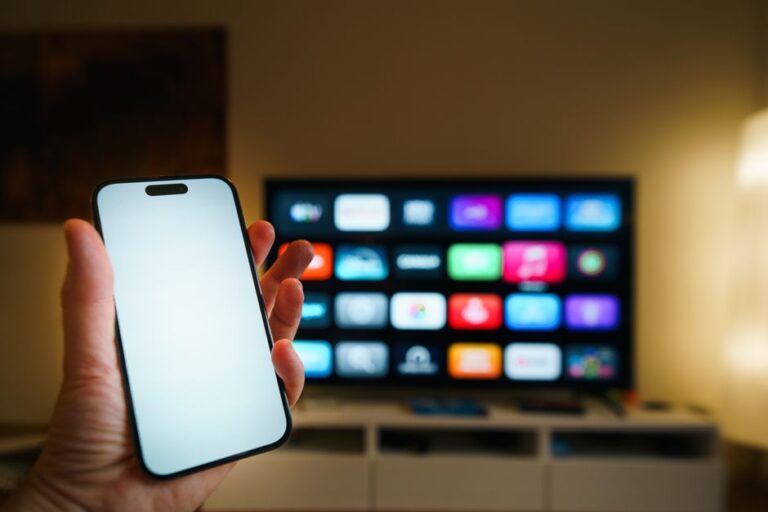
How to Fix a TV Remote Sensor
To fix a TV remote sensor, clear anything blocking the sensor window on the TV, wipe the window clean, and confirm the remote is actually sending a signal. Here is how to fix a TV remote sensor, step by step, from the fast physical checks to ruling out interference and remote faults. The sensor is the small infrared eye on the TV that reads the remote, so most problems trace to a blocked path, a dirty window, or a weak remote signal.
Check the Path Between Remote and TV
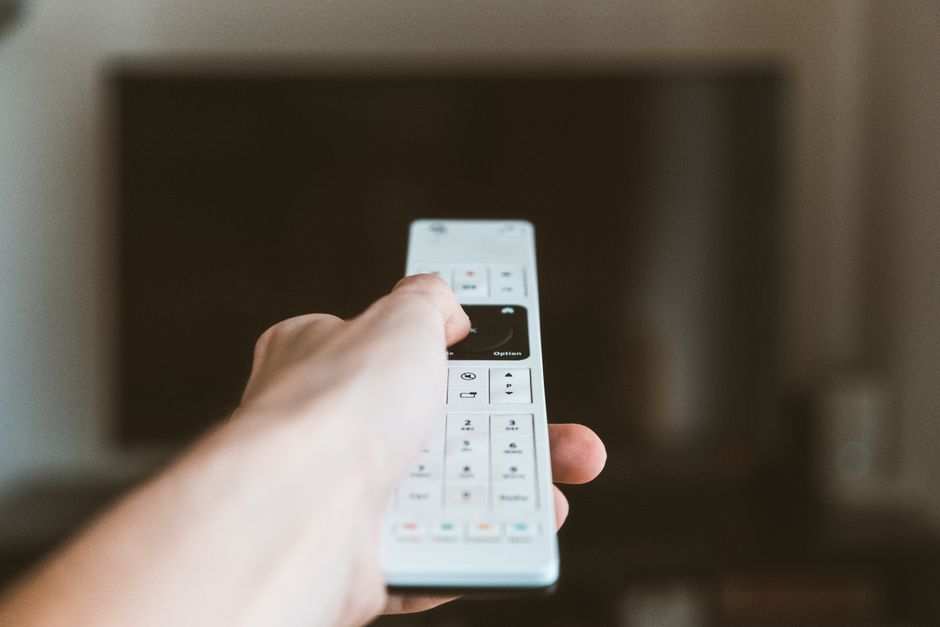
The remote sends an invisible infrared beam that the sensor must see clearly. Anything in the line of sight can block that beam, so this is the first thing to rule out.
- Stand within about 15 feet of the TV and point the remote straight at the sensor.
- Move any objects blocking the path, such as a soundbar, decor, or a media console door.
- Check for bright light hitting the sensor, since sunlight or a nearby lamp can drown out the beam.
- Test from a closer distance to see if the remote works when nothing is in the way.
Tip: The sensor usually sits behind a small dark window on the lower front edge of the TV. Aim directly at that spot rather than the center of the screen.
Clean the Sensor Window
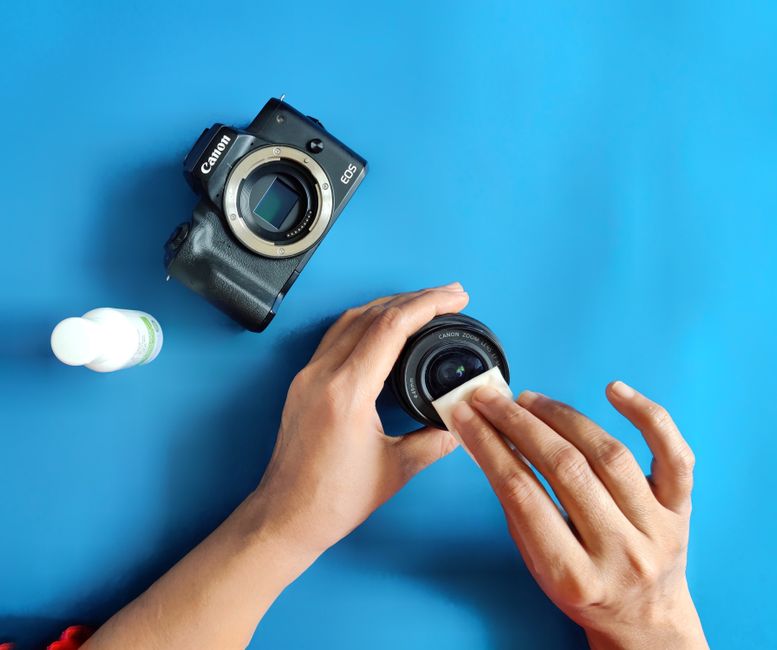
Dust, smudges, and film build up on the sensor window over time and weaken the signal it can read. A quick clean often restores a remote that had grown unreliable.
- Turn off the TV and let it cool if it has been on a while.
- Wipe the sensor window gently with a dry microfiber cloth.
- Loosen stubborn grime with a cloth barely dampened with water, never spraying liquid directly on the TV.
- Dry the window fully before turning the TV back on.
A hazy sensor window can cut the remote’s range in half or make it respond only when you stand right in front of it. Keeping it clean is the simplest maintenance there is.
Test Whether the Remote Is at Fault
Before blaming the sensor, confirm the remote is actually sending a signal. A dead remote looks exactly like a broken sensor from across the room.
- Replace the batteries with a fresh pair, matching the plus and minus ends correctly.
- Point a phone camera at the remote’s front and press any button.
- Watch the phone screen for a faint flash of light from the remote’s emitter, which your eyes cannot see but the camera can.
- Try several buttons in case only one has failed.
Note: If the camera shows a flashing light when you press buttons, the remote is sending a signal and the problem lies with the sensor, the TV, or interference. No flash means the remote itself needs attention.
Rule Out Interference and Reset the TV
Other devices and lingering power states can confuse the sensor even when everything looks clean. This stage of how to fix a tv remote sensor rules out the outside causes, and it is quick.
- Turn off nearby fluorescent or LED lights briefly, since some throw off infrared noise that jams the sensor.
- Move other infrared devices like a second remote or a streaming box away from the sensor.
- Power cycle the TV by unplugging it for 60 seconds, then plugging it back in, which resets the internal electronics.
- Update the TV software if it is a smart model, as firmware bugs can affect remote handling.
A power cycle clears more sensor glitches than any other single step, because it forces the TV to reload the software that reads the remote.
Match the Symptom to the Cause

Remote sensor trouble shows up in a few patterns, and each points somewhere different. Use this table to zero in on the real cause.
| Symptom | Likely cause | Fix |
|---|---|---|
| No response at all | Dead batteries or dead remote | Replace batteries, test with phone camera |
| Works only up close | Dirty window or weak batteries | Clean the window, fit fresh batteries |
| Works only at odd angles | Blocked line of sight | Clear objects, aim at the sensor window |
| Random or delayed response | Interference or TV glitch | Remove infrared sources, power cycle the TV |
| Nothing after a power surge | TV electronics need a reset | Unplug for 60 seconds, then reconnect |
If the remote flashes on camera and the window is clean but the TV still ignores it, the fault likely sits inside the TV’s sensor board. That is a service repair rather than a home fix.
When to Use a Backup or Replacement
Sometimes how to fix a tv remote sensor ends in a repair, but you still have ways to control the TV in the meantime. Many TVs have physical buttons on the back or bottom edge for power and volume.
Most smart TVs also offer a remote app you install on your phone, which sends commands over your home network instead of infrared, bypassing the sensor entirely. A universal remote will not help, since it uses the same failing sensor.
Frequently Asked Questions
How do I know if the sensor or the remote is broken? Point a phone camera at the remote and press a button. If you see a flashing light on screen, the remote works and the sensor or TV is the issue. No flash means the remote is at fault.
Why does my remote only work up close? The sensor window is likely dirty or the remote batteries are weak. Clean the window with a dry cloth and fit a fresh pair of batteries, then test the range again.
Can sunlight really block a TV remote sensor? Yes. Strong sunlight or bright artificial light hitting the sensor can overwhelm the infrared beam. Shade the sensor or close the curtains and test again.
Will unplugging the TV fix the sensor? Often, yes. A power cycle resets the electronics that read the remote and clears temporary glitches. Unplug the TV for about 60 seconds before reconnecting it.
Can I control my TV without the sensor? Yes. Use the physical buttons on the TV, or install the maker’s remote app on your phone, which controls a smart TV over your network instead of infrared.